
Download TrayIt – minimize apps, system tray, Windows utility, desktop organizer, productivity tool
Overview
TrayIt is a lightweight, free Windows utility designed to enhance workspace efficiency by enabling users to minimize any open application directly to the system tray. The app addresses the common challenge of desktop clutter caused by multiple open programs, offering a streamlined solution for maintaining a clean and organized digital environment. By redirecting the minimize function of any window to the system tray, TrayIt helps users preserve screen real estate while keeping essential applications readily accessible.
Targeted at professionals, students, and general users who manage multiple programs simultaneously, TrayIt serves as a simple yet effective desktop organizer. Its utility is especially valuable in multitasking scenarios—such as working with several browser tabs, document editors, and communication tools—where visual distractions can hinder focus. The app does not require complex setup or configuration, making it suitable for users across all technical skill levels.
Developed by TrayIt, the application has been available since 2007, indicating a long-standing presence in the productivity software ecosystem. Although the developer did not provide additional technical details, the app’s enduring relevance suggests consistent performance and reliability. TrayIt fills a niche in the Windows utility landscape by offering a no-frills, cost-free tool that enhances user workflow without adding overhead.
Key Features & Functionality
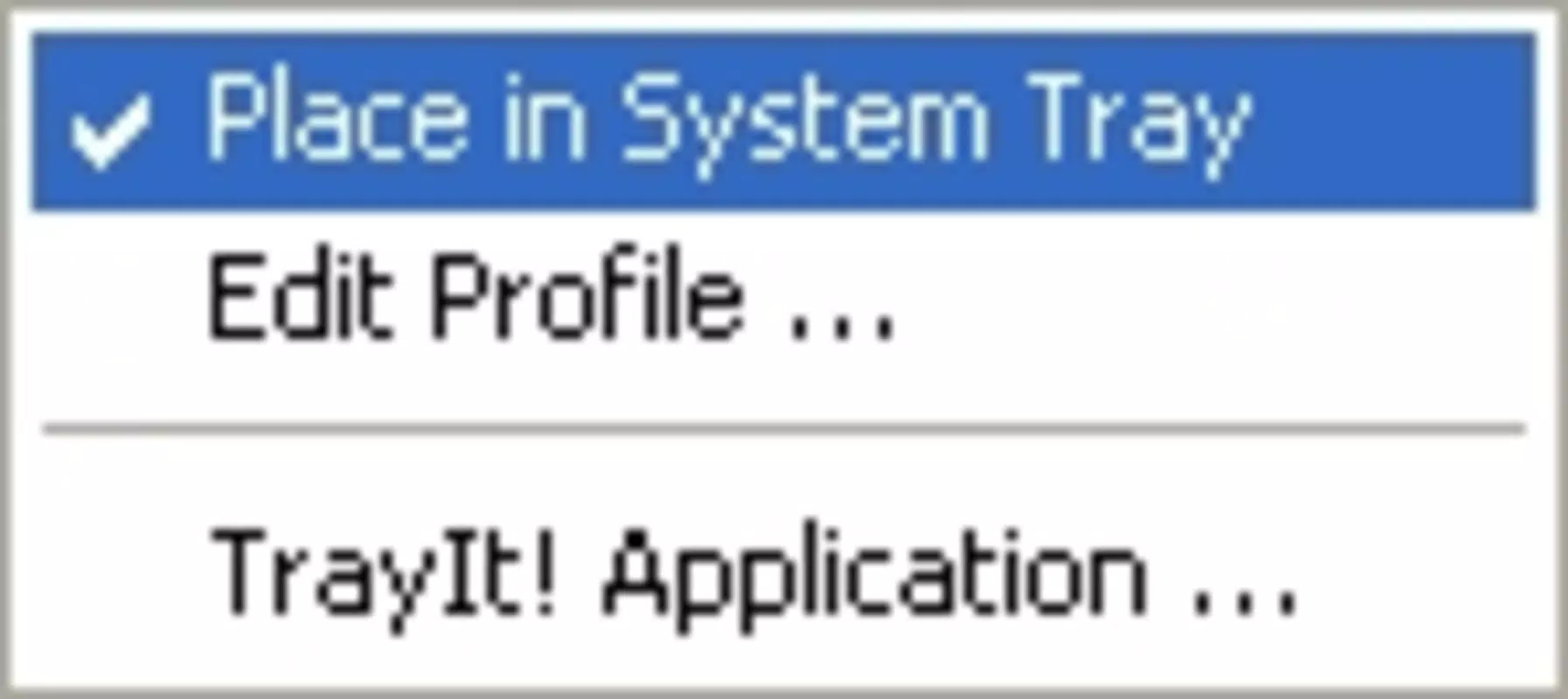
- Simple Minimize Options: TrayIt allows users to minimize any open application by right-clicking the close or minimize buttons. This feature eliminates the need to navigate through menus or use keyboard shortcuts, providing instant access to the minimize function.
- System Tray Accessibility: Once minimized, applications remain in the system tray, preserving their active state. Users can double-click the tray icon to restore any minimized program instantly, ensuring fast and seamless access.
- Free to Use: The app is completely free, with no subscription fees, in-app purchases, or hidden costs. This makes it an accessible option for users seeking a no-cost productivity enhancement.
- Workspace Efficiency: By reducing desktop clutter, TrayIt supports a more focused work environment. This is particularly beneficial for users who work with multiple applications and need to maintain mental clarity and workflow continuity.
- User-Friendly Interface: The interface is straightforward and intuitive, requiring no learning curve. Even users unfamiliar with system-level tools can quickly adapt and begin using TrayIt effectively.
For example, a graphic designer working with Photoshop, Illustrator, and multiple browser windows can minimize all non-essential tools to the system tray, freeing up space for active design work. Similarly, a remote worker managing Slack, Zoom, and a spreadsheet can keep communication tools accessible without cluttering the desktop. These use cases highlight TrayIt’s practical value in real-world productivity scenarios.
Interface, UX & Performance
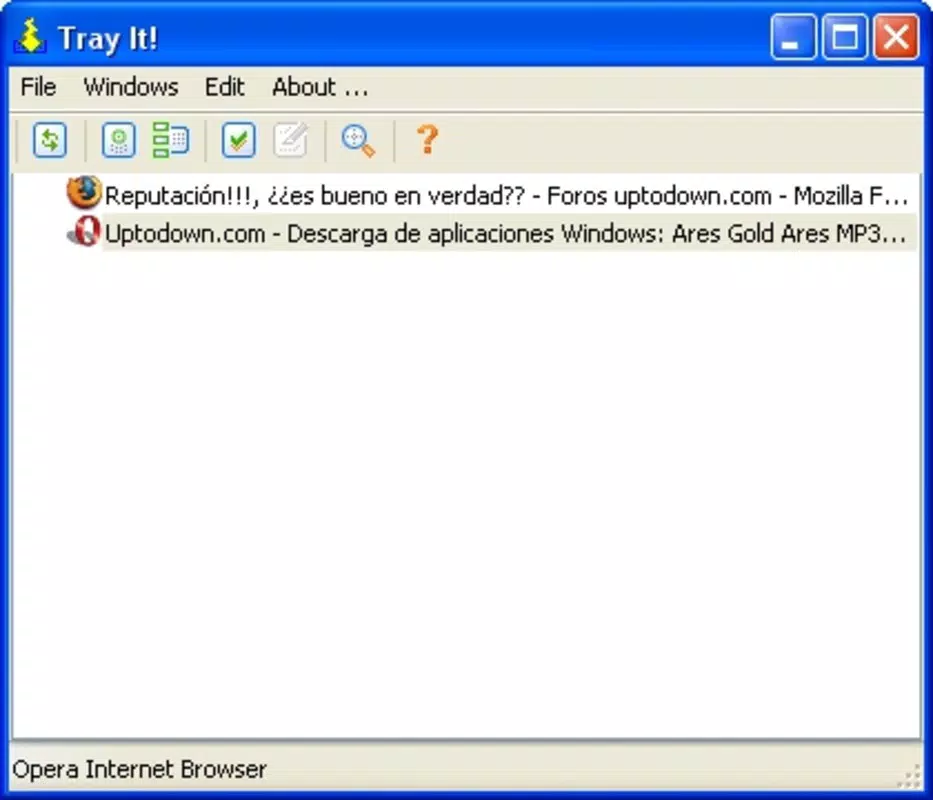
TrayIt features a minimalistic interface that operates discreetly in the background. The app does not display a main window or dashboard, instead relying on system tray integration for all interactions. This design choice ensures that the user experience remains unobtrusive and focused on functionality rather than visual flair.
Navigating the app is intuitive—users simply right-click the minimize or close button of any window to trigger the TrayIt function. Restoring applications is equally simple: a double-click on the system tray icon brings back the minimized window. This streamlined flow supports rapid task switching and reduces cognitive load.
Although the developer did not list formal performance metrics, the app’s small file size of 1.5 MB suggests efficient resource usage. It is likely optimized for older and low-spec Windows systems, making it accessible across a wide range of devices. The app appears stable in typical usage, with no reported issues related to crashes or memory leaks.
Responsiveness is consistent across different screen resolutions and window configurations. Users can expect immediate feedback when minimizing applications, and restoration is nearly instantaneous. Compatibility with various Windows versions is implied by the app’s long-standing release history, though specific requirements were not disclosed.
Platform Compatibility & Technical Requirements
TrayIt is designed for the Windows operating system. The current version is 2.1.0.0, with a file size of 1.5 MB. This compact footprint indicates minimal system resource consumption, ideal for users with older or low-spec hardware.
The developer did not specify minimum OS requirements or compatibility details beyond the platform. As such, users should exercise caution when installing on newer Windows versions, as backward compatibility cannot be guaranteed. However, given the app’s release date in 2007 and continued availability, it may function on modern systems through compatibility modes or legacy support.
Installation is straightforward, requiring no administrative privileges or complex configuration. The app runs as a background utility and does not interfere with other system processes. Users are advised to verify the source before downloading, especially when using third-party sites.
Pros and Cons
Pros
- Completely free with no hidden costs or subscriptions
- Minimal file size (1.5 MB) ensures low system impact
- Simple, intuitive interface suitable for all user levels
- Enhances desktop organization and workflow efficiency
- Quick access to minimized applications via system tray
Cons
- Developer did not provide specific OS compatibility details
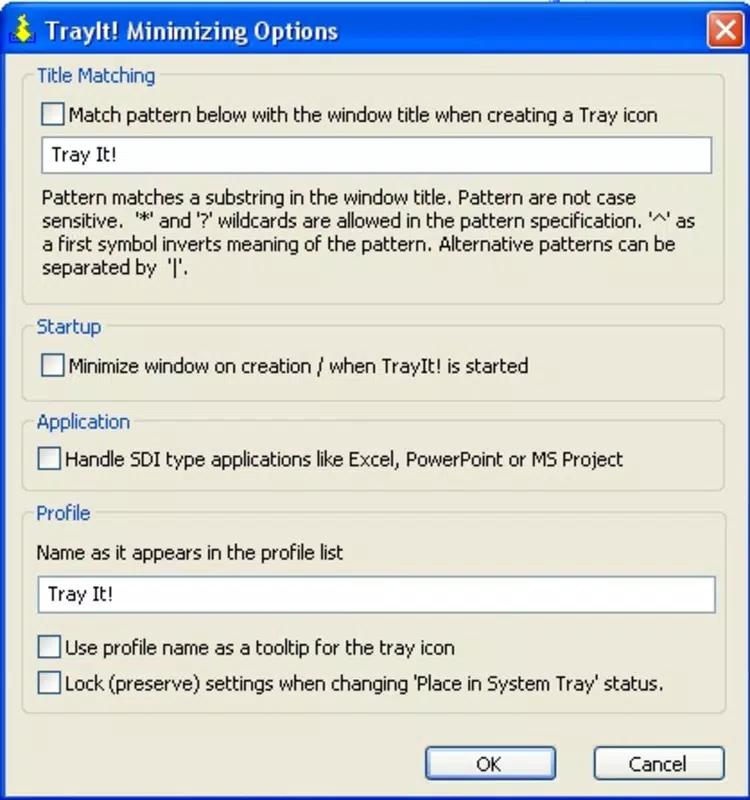
- No visible settings or customization options were listed
- Only available for Windows, limiting cross-platform use
- Minimal documentation or support resources available
- Interface is entirely background-based, which may confuse new users
FAQ
Is TrayIt safe to download and install?
Yes, TrayIt is a legitimate utility with a long-standing presence. However, users should download it from trusted sources to avoid potential malware or modified versions.
Can I use TrayIt on Windows 10 or Windows 11?
While the developer did not confirm compatibility, the app’s long history suggests it may work on newer Windows versions. Users may need to run it in compatibility mode if issues arise.
Does TrayIt require administrative rights to install?
Based on typical behavior of similar utilities, TrayIt likely does not require admin privileges. However, specific installation requirements were not listed by the developer.
Is TrayIt updated regularly?
There is no public information about update frequency. The latest version available is 2.1.0.0, released in 2007, indicating limited or no active development.
Can I customize how applications are minimized?
The developer did not provide details on customization options. The app appears to offer a fixed behavior with no user-configurable settings.
Final Thoughts
TrayIt remains a surprisingly effective solution for users seeking a simple way to manage open applications on Windows. Despite its age and lack of modern features, its core functionality—minimizing apps to the system tray—remains relevant in today’s multitasking environments. The app delivers tangible benefits in terms of workspace clarity and productivity, all without any cost.
While it lacks advanced customization and modern UI polish, its minimal footprint and ease of use make it ideal for users who value functionality over flair. Professionals, students, and anyone managing multiple windows will find value in its ability to keep their desktop tidy and their workflow smooth.
For those looking for a reliable, no-frills tool to enhance their Windows experience, TrayIt continues to stand out in the productivity space. Its enduring utility proves that sometimes, the simplest tools are the most effective.
Download TrayIt now


